
# Profile
To open profile settings, click the profile icon at the top right → Account.


Available settings:
- Create a new authorization password.
- Change the interface language.
- Changing the time zone. The time zone will affect the operation of reports.
- First day of the week. Changing this parameter will affect the operation of reports.
- Theme. This function changes the interface theme.
# Reset preferences
The Reset preferences tab resets the display settings of the selected page — saved filters, sorting, and column visibility. The settings are restored to their default values.
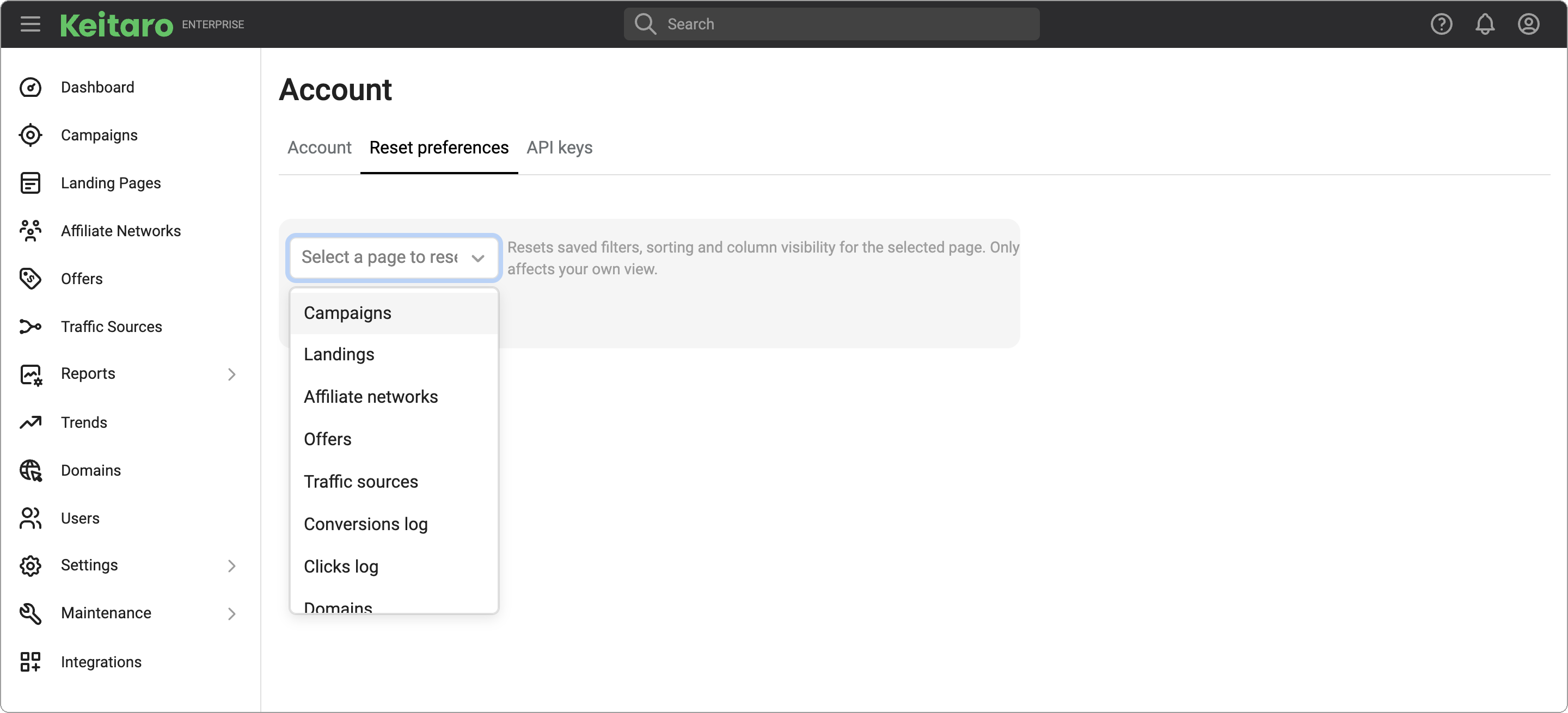
Select a page from the list and click Reset.
The change affects only the current user: it does not influence how the page is displayed for other users of the tracker. Campaign data, reports, and statistics remain unchanged.
Use it if a page is displayed incorrectly.
# Admin API keys
The tab is used to manage Admin API keys.
You can create a new key or delete a previously created one. The Documentation button will redirect you to the Admin API documentation.